1、操作系统是CentOS Linux release 7.2.1511,和Centos6在服务和配置文件路径方面还是有区别的

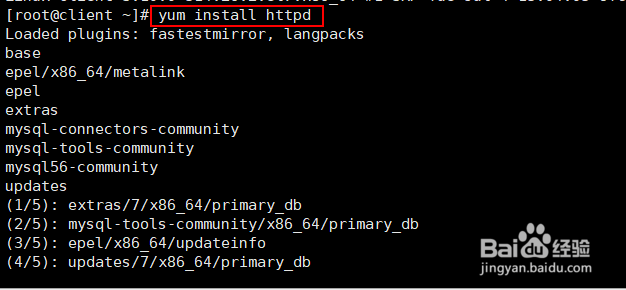
2、安装apache
yum install httpd
3、启动apache服务

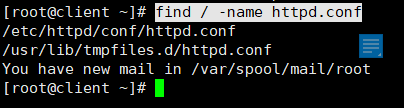
4、apache的默认配置文件名称为httpd.conf,使用find / -name httpd.conf命令查找到具体的路径为/etc/httpd/conf/httpd.conf
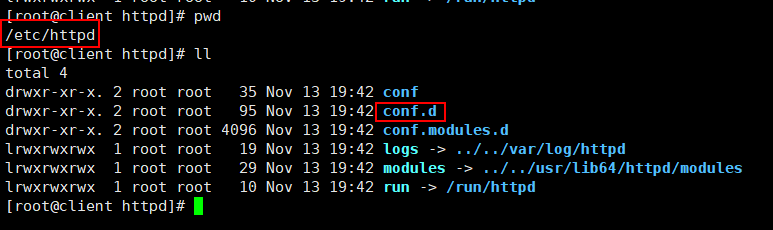
5、进入到apache的主目录/etc/httpd
里面有一个conf.d的目录
6、进入conf.d目录,找到welcome.conf配置文件并编辑它,这个欢迎页面就是apache默认首页

7、通过查看welcome.conf这个配置文件,可以发现apache默认页面文件为
/usr/share/httpd/noindex/index.html

8、重置默认首页文件的内容
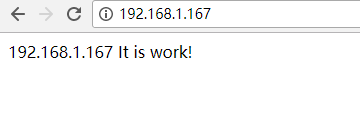
[root@client conf.d]# echo '192.168.1.167 It is work!' > /usr/share/httpd/noindex/index.html

9、防火墙放行apache的默认端口80,并在浏览器中访问测试,如图所示修改默认页面成功