如何安装水晶报表CRforVS_redist_install_32bit

时间:2026-02-12 03:00:59

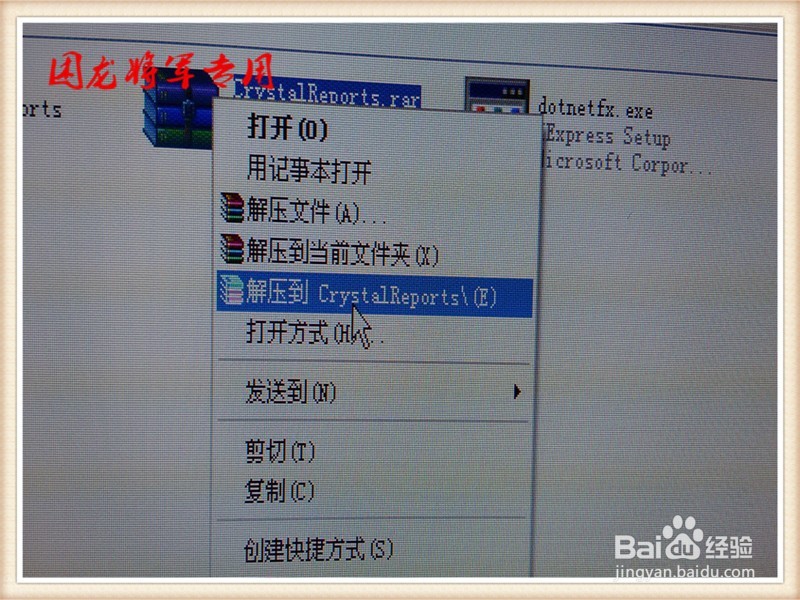
1、打开“CRforVS_redist_install_32bit_13_0_1”,右键解压缩。

如何安装水晶报表CRforVS_redist_install_32bit

如何安装水晶报表CRforVS_redist_install_32bit

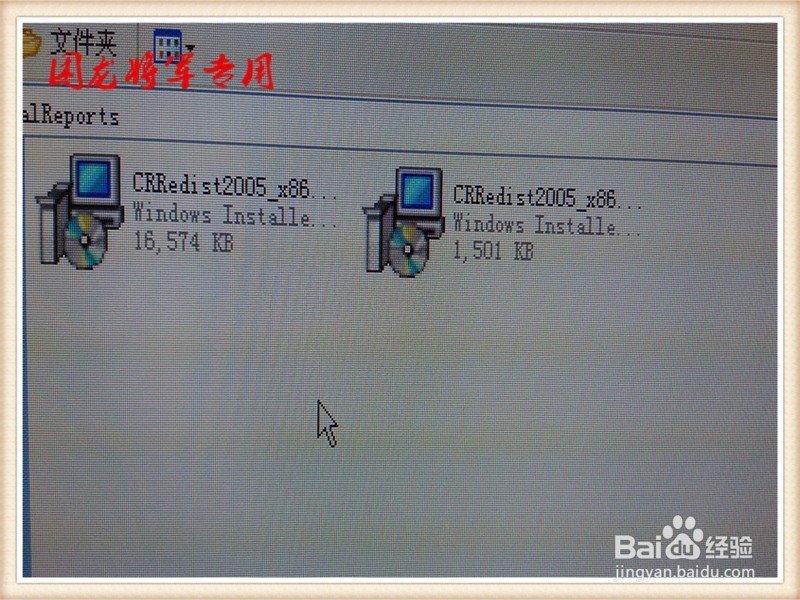
2、解压以后文件,即可执行文件。

如何安装水晶报表CRforVS_redist_install_32bit

3、双击打开。

如何安装水晶报表CRforVS_redist_install_32bit

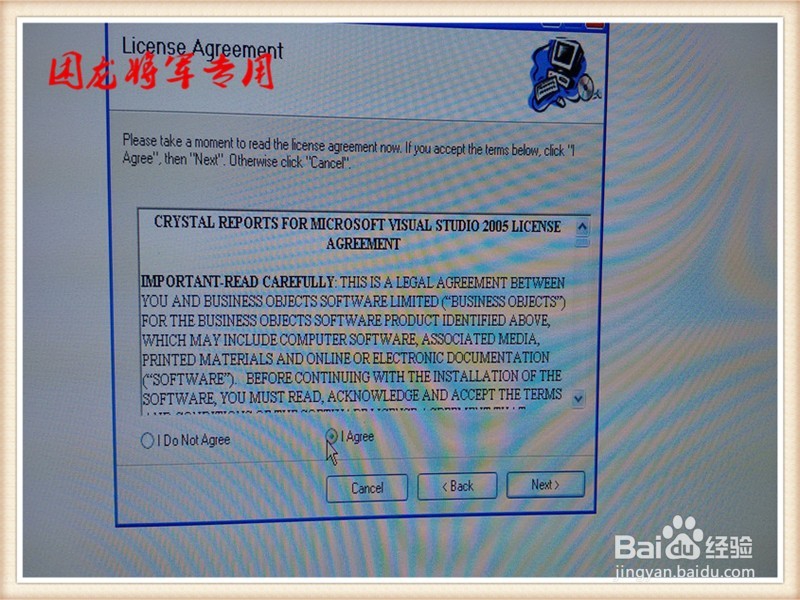
4、点击“我同意”按钮。

如何安装水晶报表CRforVS_redist_install_32bit

如何安装水晶报表CRforVS_redist_install_32bit

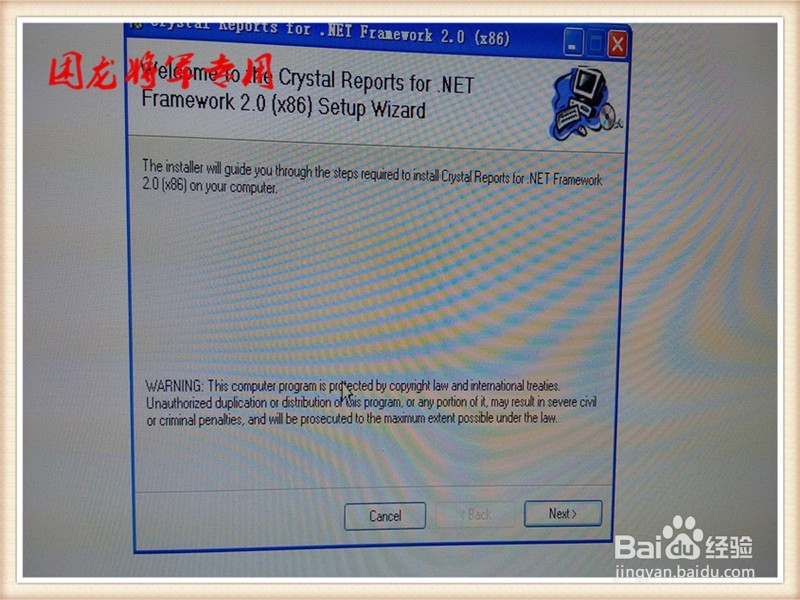
5、点击“下一步”

如何安装水晶报表CRforVS_redist_install_32bit

6、点击“下一步”

如何安装水晶报表CRforVS_redist_install_32bit

7、点击“下一步”

如何安装水晶报表CRforVS_redist_install_32bit

8、点击“完成”

如何安装水晶报表CRforVS_redist_install_32bit

如何安装水晶报表CRforVS_redist_install_32bit

© 2026 一点知道
信息来自网络 所有数据仅供参考
有疑问请联系站长 site.kefu@gmail.com