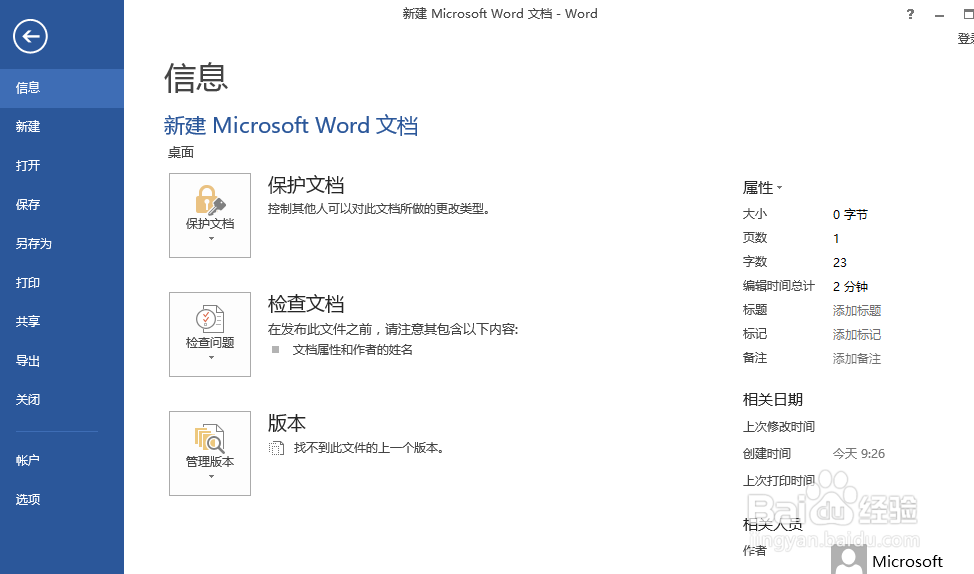
1、打开2013,点击选项
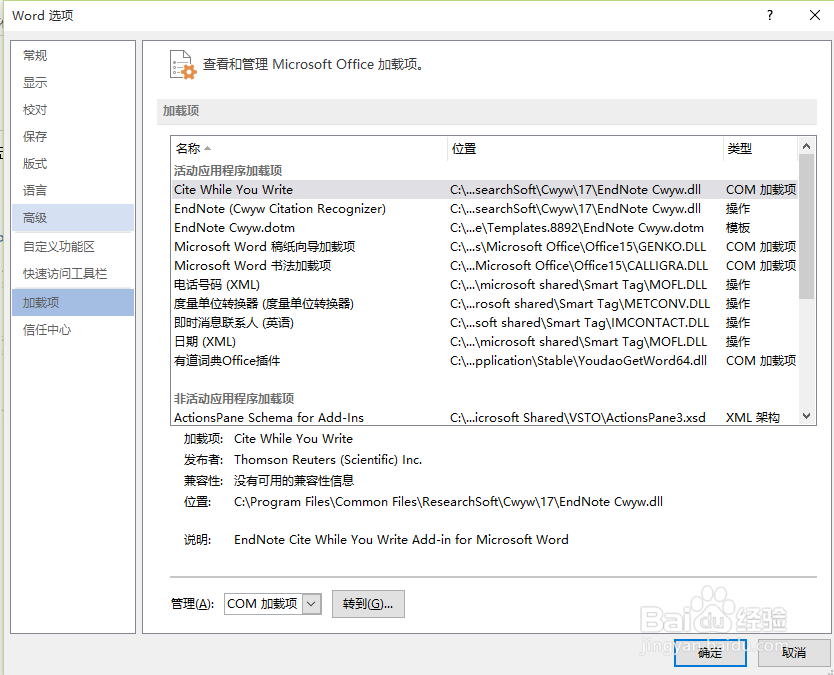
2、点击加载项
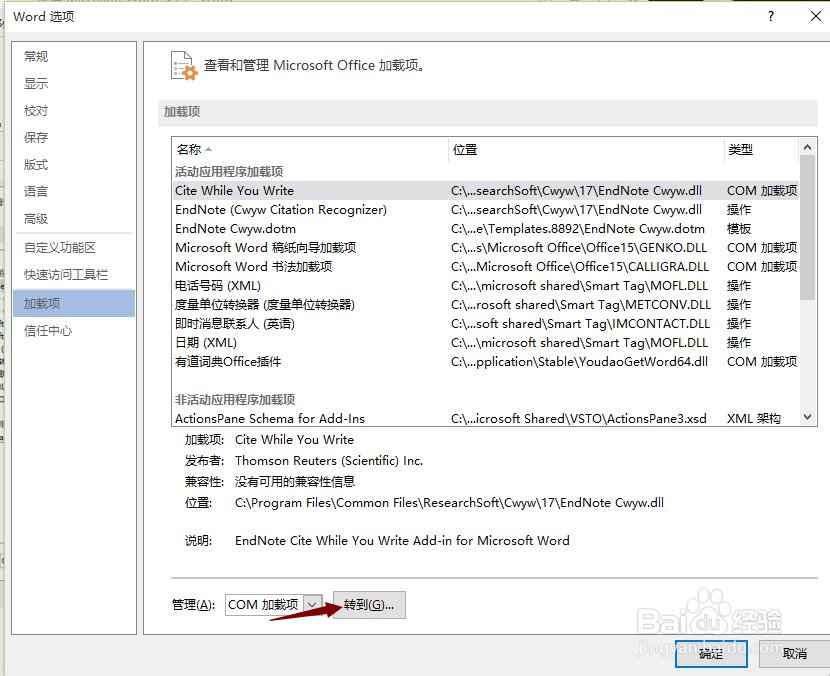
3、转到底部看到com 加载选项,点击转到
4、查看是否具备cite while your write 这个对话框,没有的话 点击添加,如若有的话直接打上√
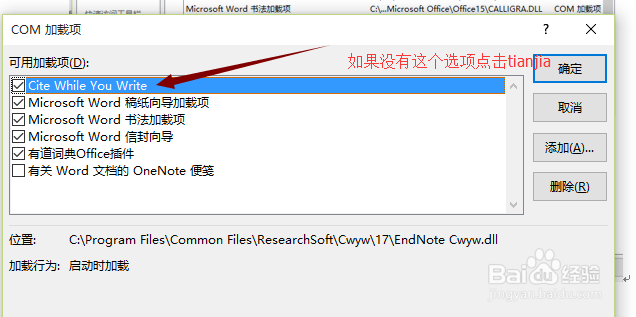
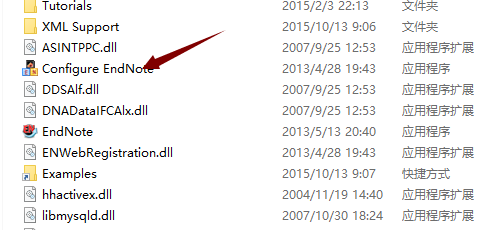
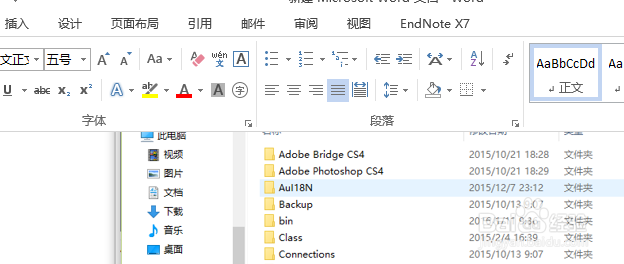
5、点击添加,找到endnote X7的安装目录,点击configure endnote ,之后一直点击下一步,直至完成。最终返回word2013即可发现endnote 已经出现
1、打开2013,点击选项
2、点击加载项
3、转到底部看到com 加载选项,点击转到
4、查看是否具备cite while your write 这个对话框,没有的话 点击添加,如若有的话直接打上√
5、点击添加,找到endnote X7的安装目录,点击configure endnote ,之后一直点击下一步,直至完成。最终返回word2013即可发现endnote 已经出现