1、1.在更新了Mac系统之后会发现在安全性与隐私中的对于软件信任的三个选项变成了两个。

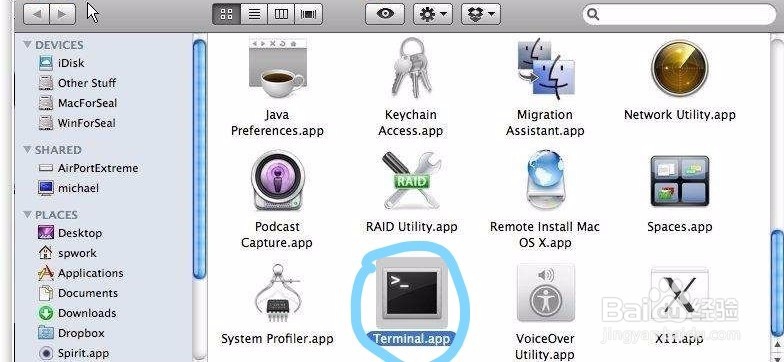
2、2.首先需要进入终端(三种方法):
(1)control+空格,弹出搜索框spotlight,输入terminal,回车即可。
(2)重启电脑后按住 Command-R 进入恢复分区. 然后在“实用工具”栏找到“终端”启动运行。

3、(3)点击打开LaunchPad,找到“其它”文件夹点击进入就可以找到终端了(或者搜索“terminal”)


4、3.在终端中输入:sudo spctl --master-disable,回车即可关闭gatekeeper。
