iPhone 的 Game Center 如何更换账号

时间:2026-02-12 01:31:31

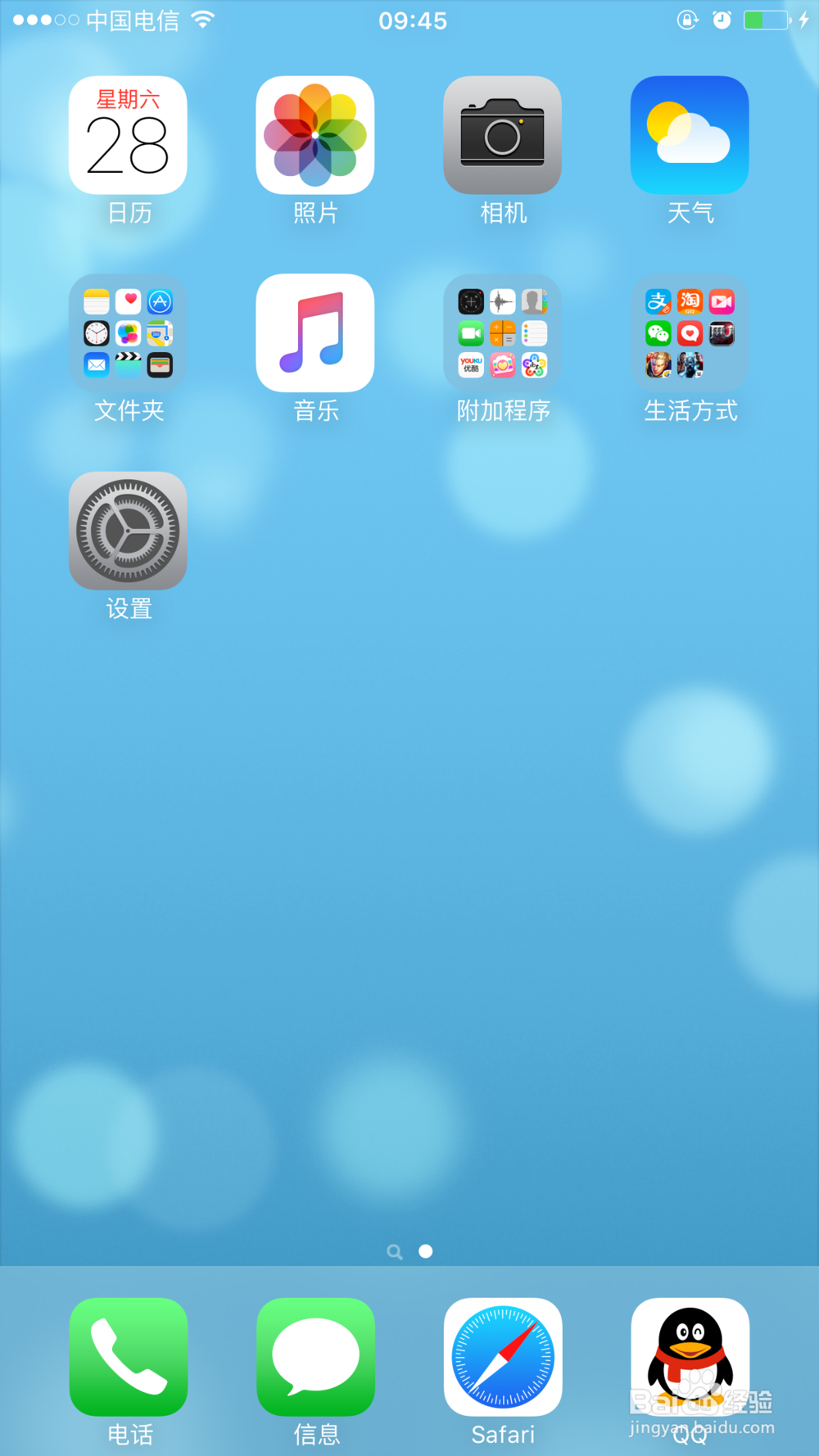
1、打开【设置】:

iPhone 的 Game Center 如何更换账号

2、在【设置】列表中,打开【GameCenter】:

iPhone 的 Game Center 如何更换账号

iPhone 的 Game Center 如何更换账号

3、进入【GameCenter】之后,可以看到自己的APPLE ID,点击自己的APPLE ID,会跳出弹窗,然后选择退出,就可以更换自己想更换的APPLE ID了:
iPhone 的 Game Center 如何更换账号

iPhone 的 Game Center 如何更换账号

© 2026 一点知道
信息来自网络 所有数据仅供参考
有疑问请联系站长 site.kefu@gmail.com