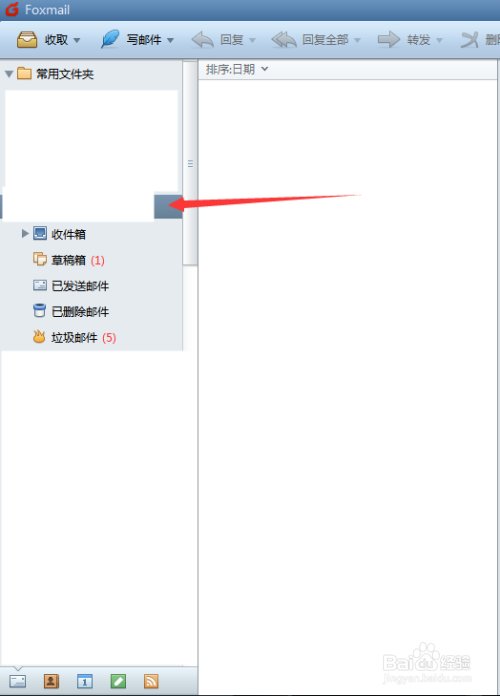
1、首先打开foxmail邮箱。

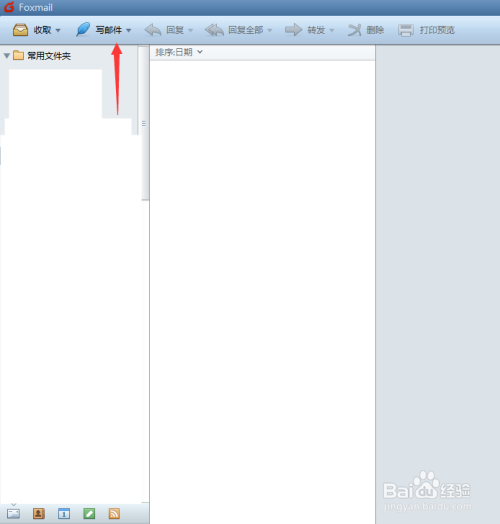
2、选择需要写邮件的发件人邮箱,点击上方的“写邮件”。
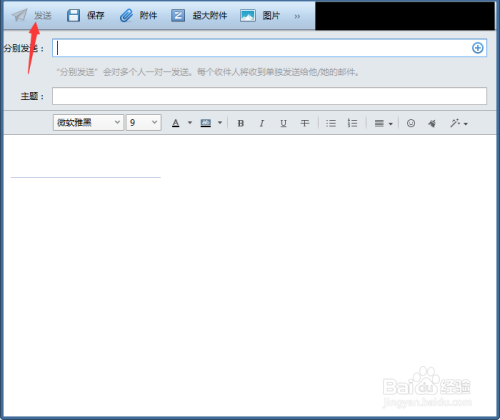
3、填写收件人,主题,内容等信息。
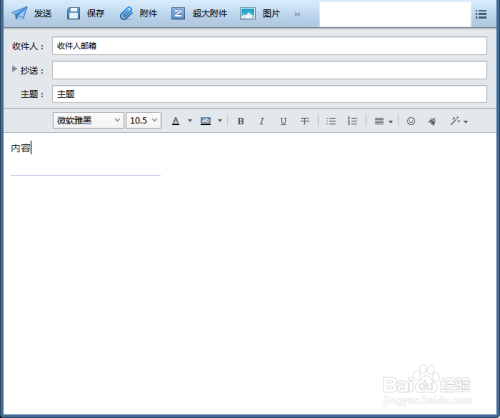
4、点击编辑邮件页面的右上角。

5、点击选择“邮件优先级”。可选“高优先级”“普通优先级”“低优先级”。

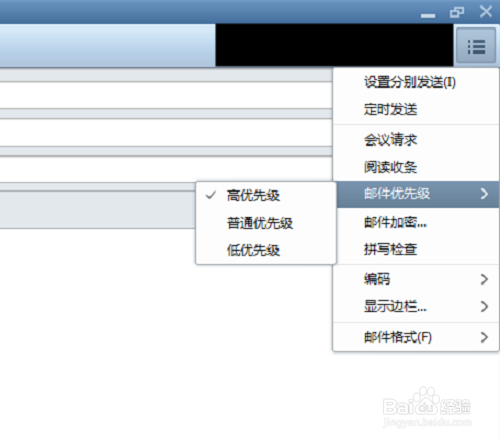
6、选择“高优先级”在点击发送,收件人会优先收到该邮件。
1、首先打开foxmail邮箱。
2、选择需要写邮件的发件人邮箱,点击上方的“写邮件”。
3、填写收件人,主题,内容等信息。
4、点击编辑邮件页面的右上角。
5、点击选择“邮件优先级”。可选“高优先级”“普通优先级”“低优先级”。
6、选择“高优先级”在点击发送,收件人会优先收到该邮件。