新浪微博怎么填写自己的收货地址呢

时间:2026-02-15 00:46:04

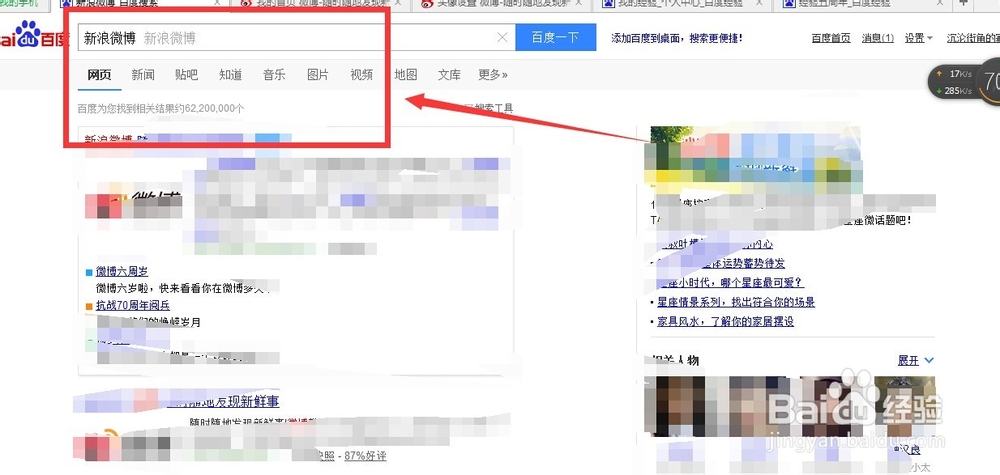
1、打开浏览器 百度”新浪微博“

新浪微博怎么填写自己的收货地址呢

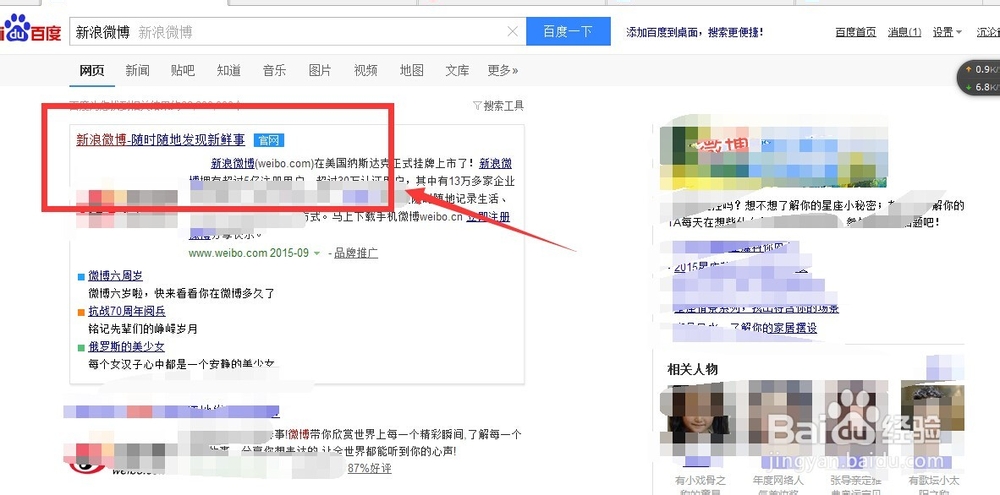
2、点击如下红框  链接  

新浪微博怎么填写自己的收货地址呢

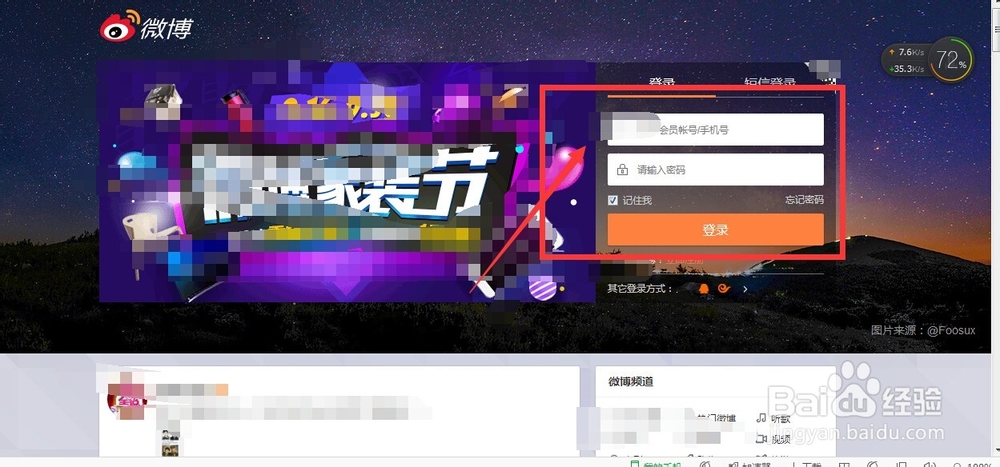
3、输入账号和密码登录  

新浪微博怎么填写自己的收货地址呢

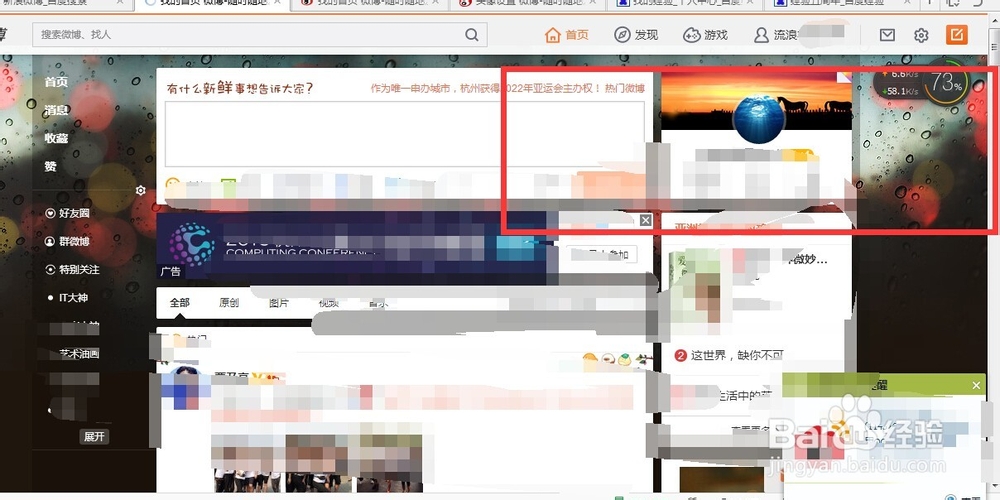
4、登录后的界面

新浪微博怎么填写自己的收货地址呢

5、点击 红框 账号设置

新浪微博怎么填写自己的收货地址呢

6、点击个人信息

新浪微博怎么填写自己的收货地址呢

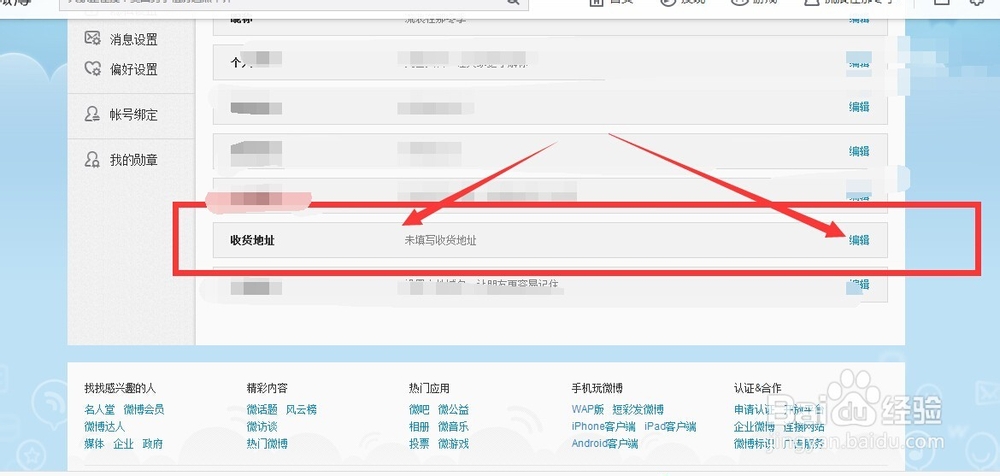
7、点击编辑地址

新浪微博怎么填写自己的收货地址呢

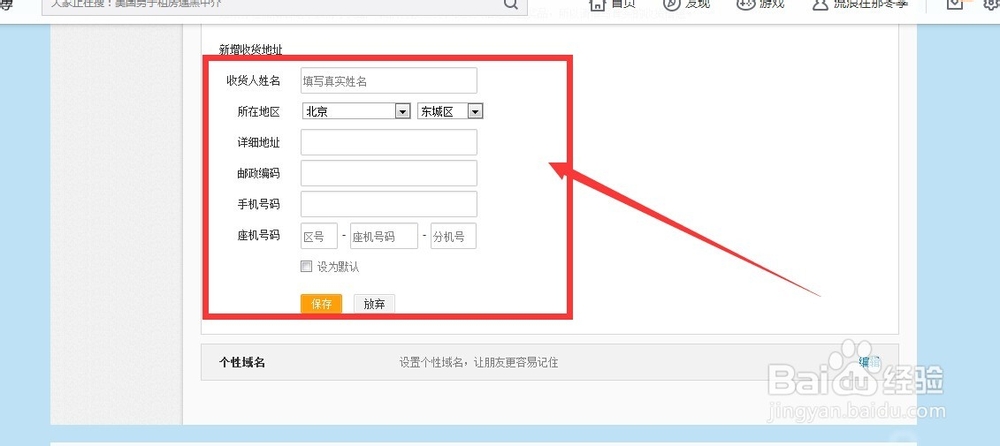
8、输入信息

新浪微博怎么填写自己的收货地址呢

9、确定保存

新浪微博怎么填写自己的收货地址呢

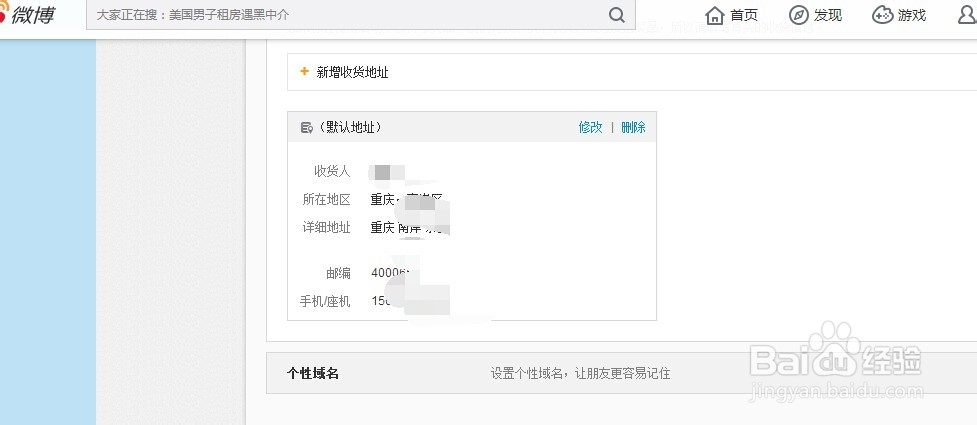
10、这就新增成功了

新浪微博怎么填写自己的收货地址呢

© 2026 一点知道
信息来自网络 所有数据仅供参考
有疑问请联系站长 site.kefu@gmail.com