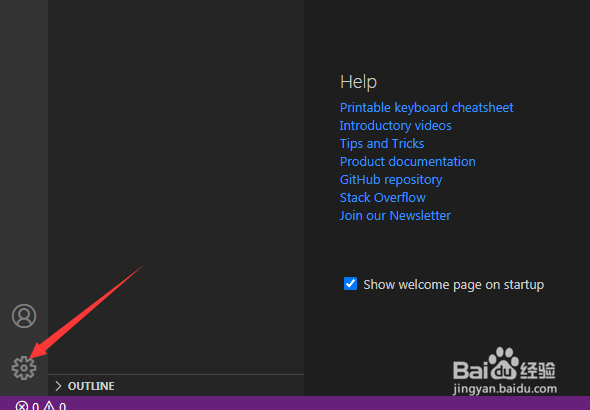
1、首先,点击左下角中更多选项
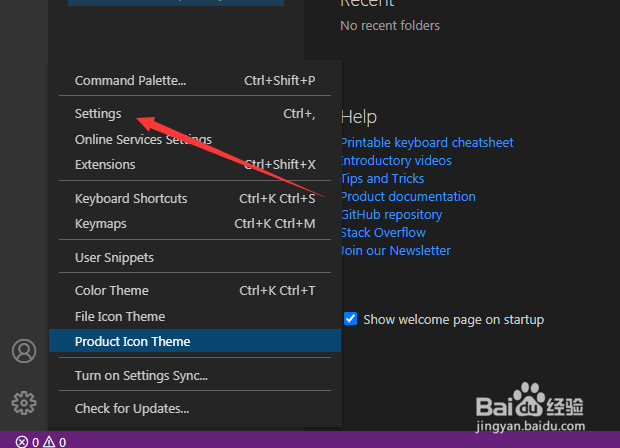
2、弹出了下拉菜单选择为settings选项
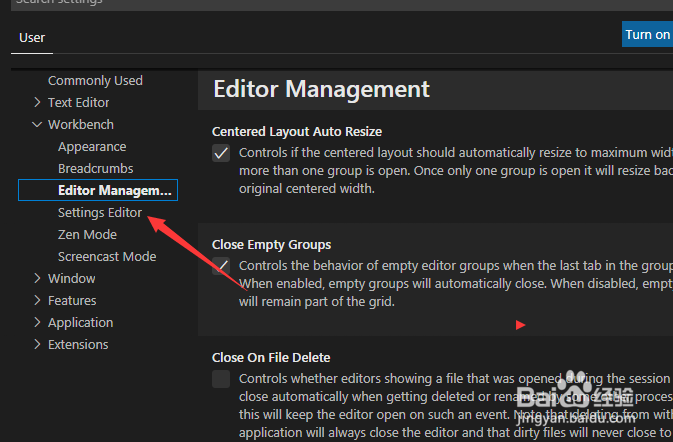
3、点击左侧中的settings editor选项
4、点击settings search toc behavior选项
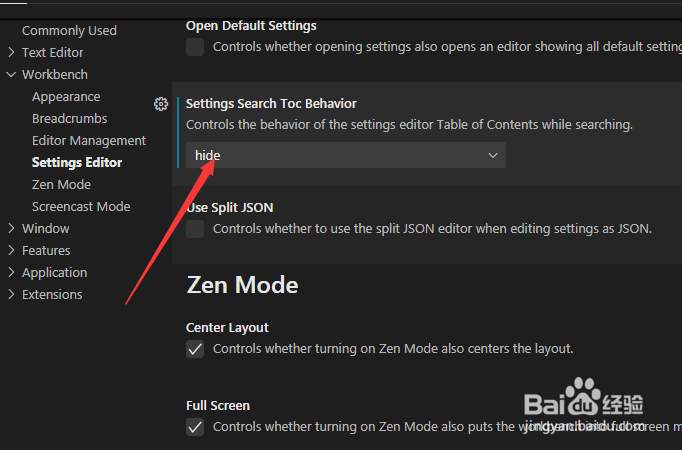
5、弹出了下拉菜单选择为filter选项
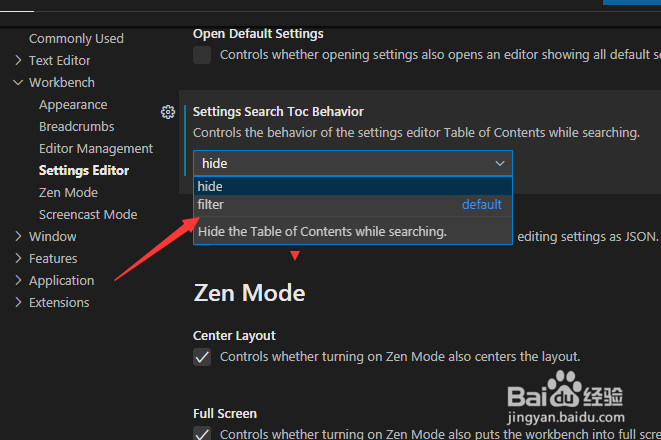
6、选择为filter选项之后,会对当前设置做保存了
1、首先,点击左下角中更多选项
2、弹出了下拉菜单选择为settings选项
3、点击左侧中的settings editor选项
4、点击settings search toc behavior选项
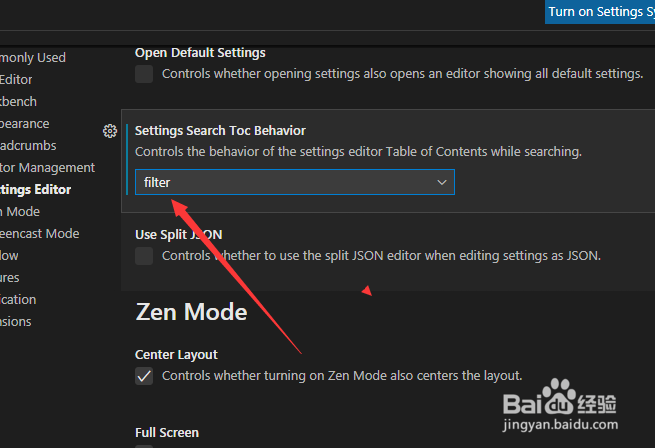
5、弹出了下拉菜单选择为filter选项
6、选择为filter选项之后,会对当前设置做保存了