1、打开Illustrator软件,新建一个空白文档,大小随意设置
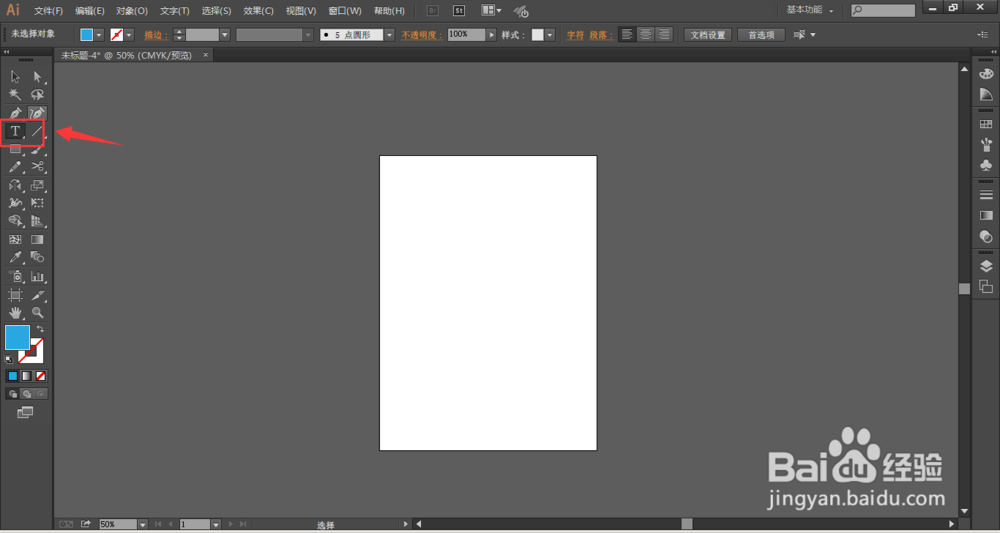
2、选择文字工具,在文档中输入几个文字
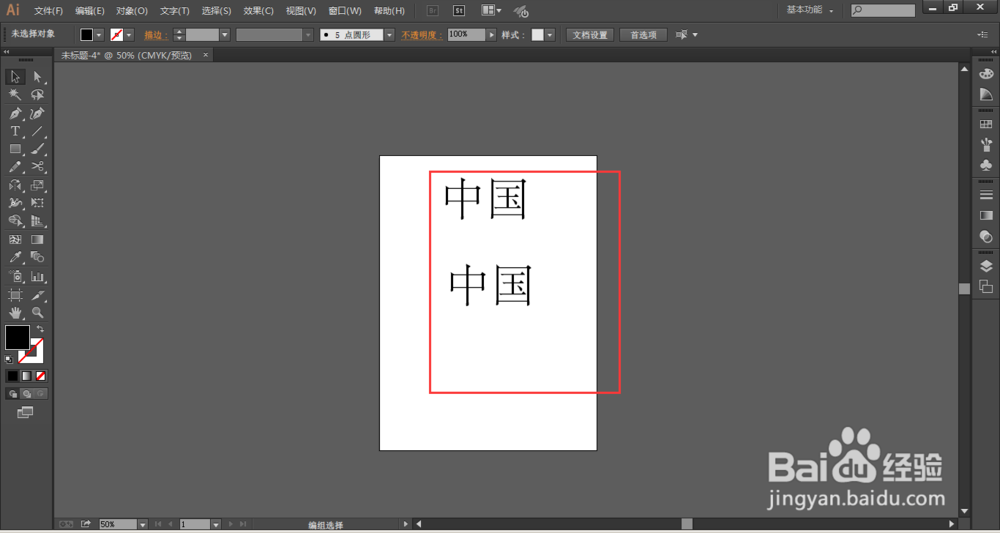
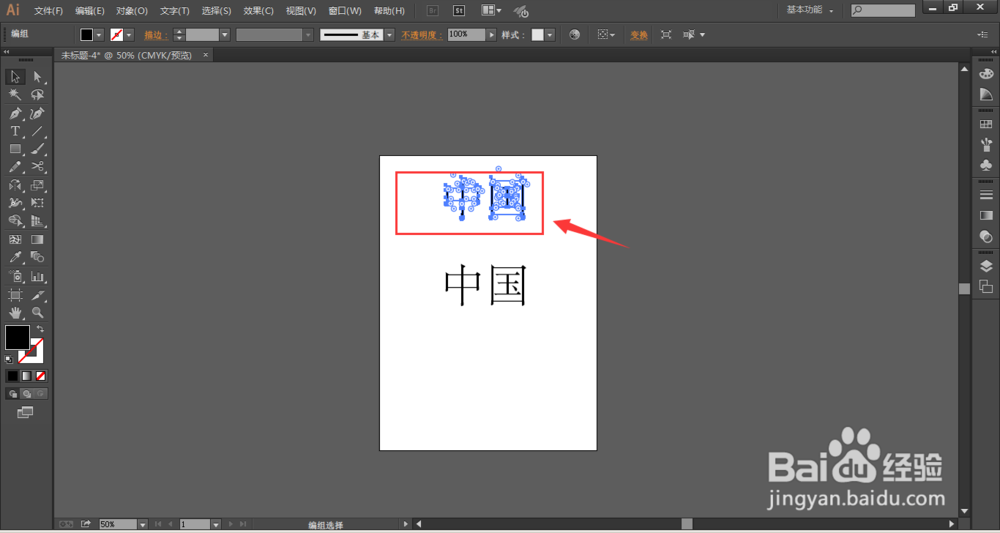
1、使用选择工具选中文字后,按快捷键ctrl+shift+O,能快速将文字转曲
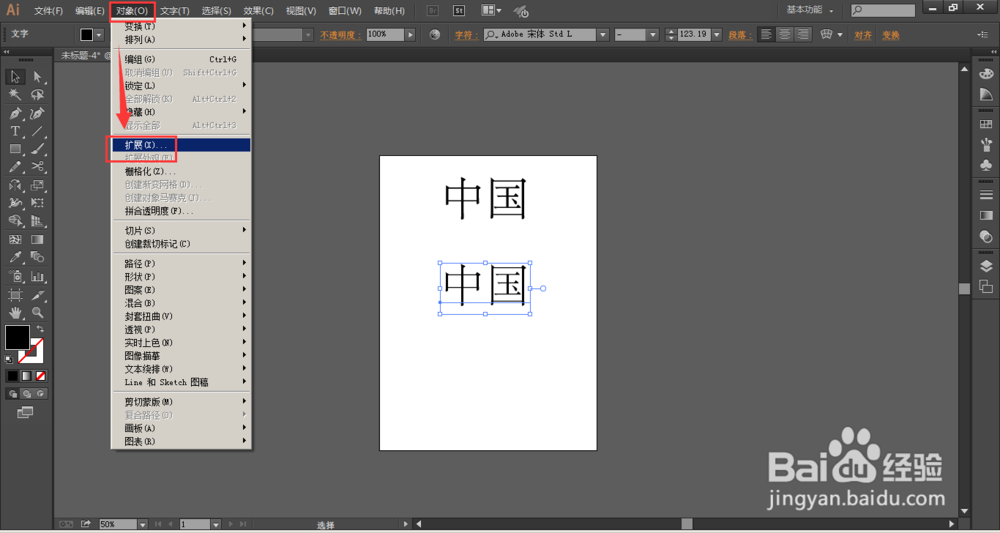
1、选择菜单栏中的-对象-扩展
2、选择-确定
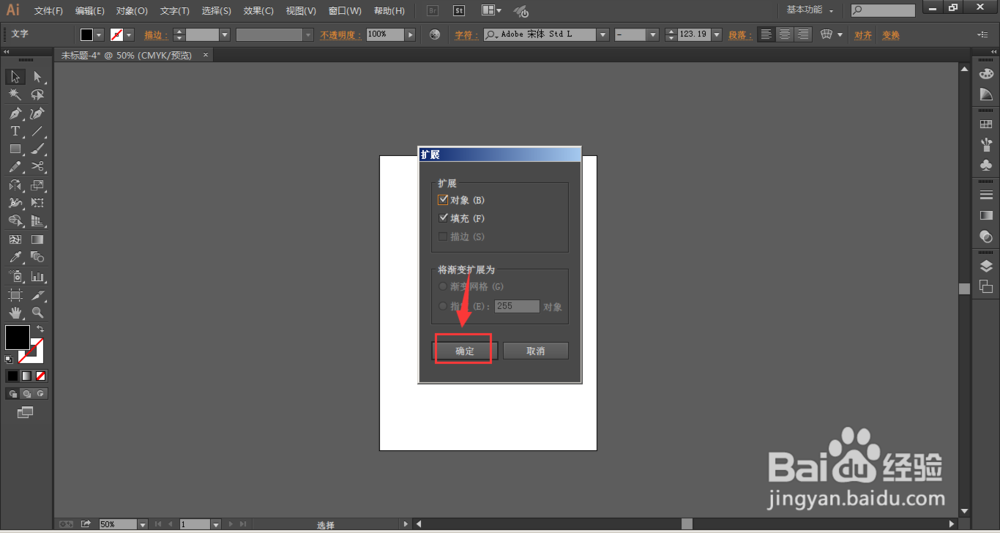
3、也可以将文字转曲。
1、打开Illustrator软件,新建一个空白文档,大小随意设置
2、选择文字工具,在文档中输入几个文字
1、使用选择工具选中文字后,按快捷键ctrl+shift+O,能快速将文字转曲
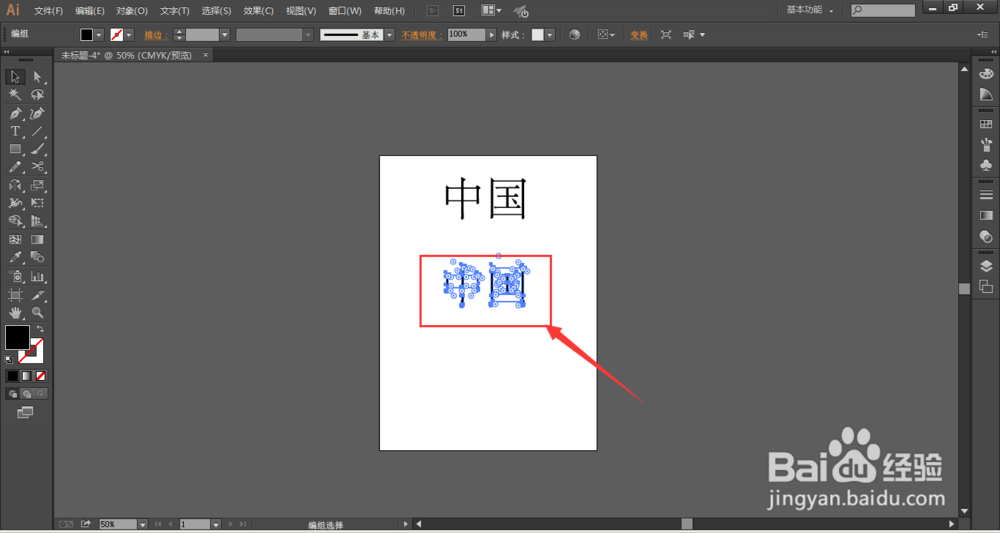
1、选择菜单栏中的-对象-扩展
2、选择-确定
3、也可以将文字转曲。