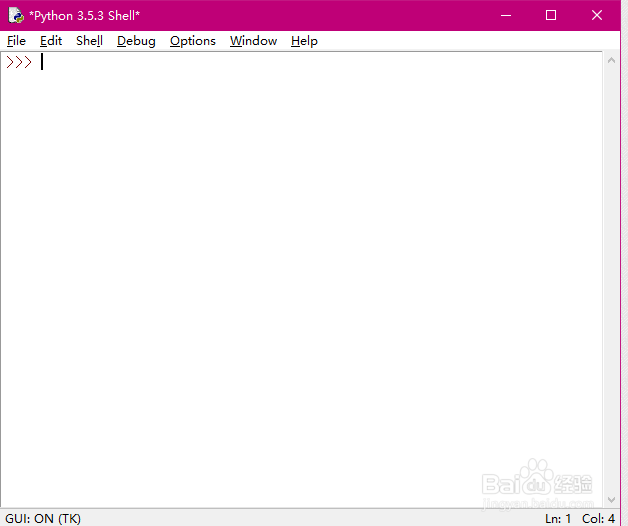
1、打开IDLE:
IDLE是Python shell界面。
2、采用工具包:
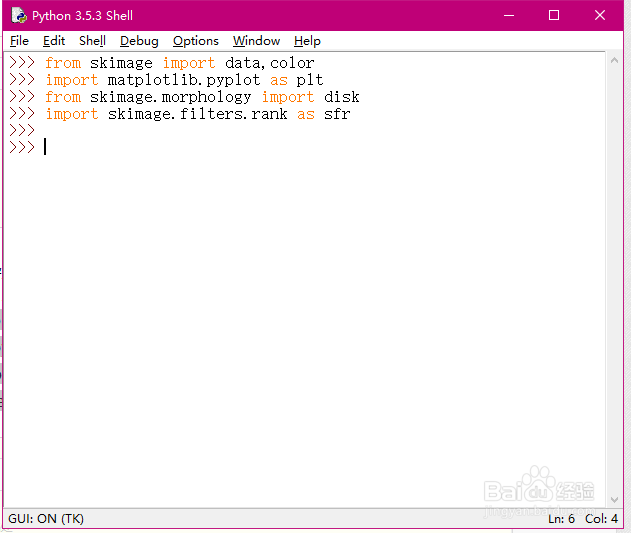
Python的使用需要导入相关的工具包,这里使用的包如下,如果报错则可能没有安装相关的工具包,
from skimage import data,color
import matplotlib.pyplot as plt
from skimage.morphology import disk
import skimage.filters.rank as sfr
3、读取图片:
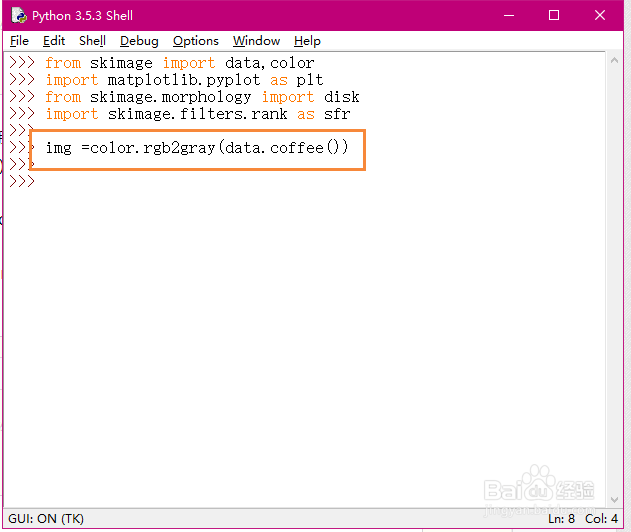
这里读取一张skimage包内的图片,代码如下。
img =color.rgb2gray(data.coffee())
4、滤波处理:
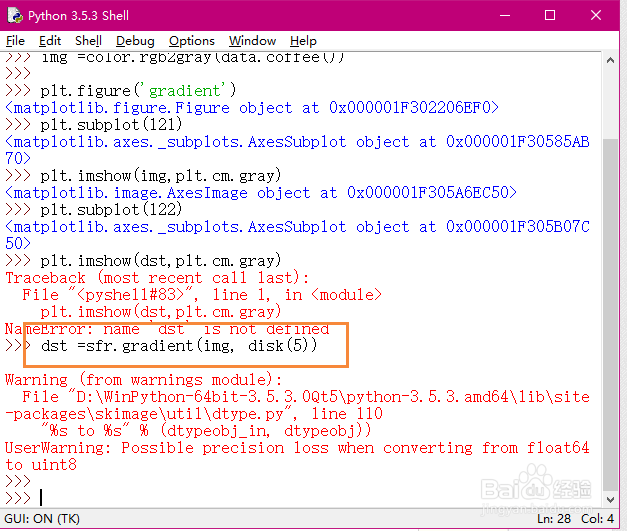
采用下面代码对图片进行处理,
dst =sfr.gradient(img, disk(5))
5、显示效果:
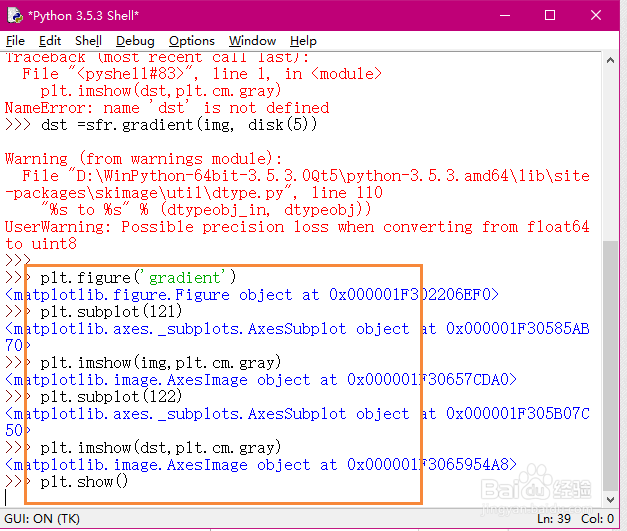
可采用下面代码画出我们滤波的效果,
plt.figure('gradient')
plt.subplot(121)
plt.imshow(img,plt.cm.gray)
plt.subplot(122)
plt.imshow(dst,plt.cm.gray)
plt.show()
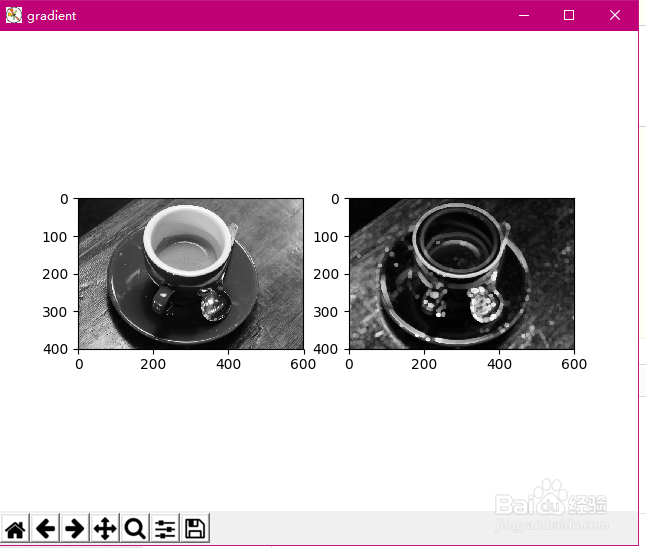
6、效果如下。