1、下载地址: http://www.xue51.com/soft/2969.html
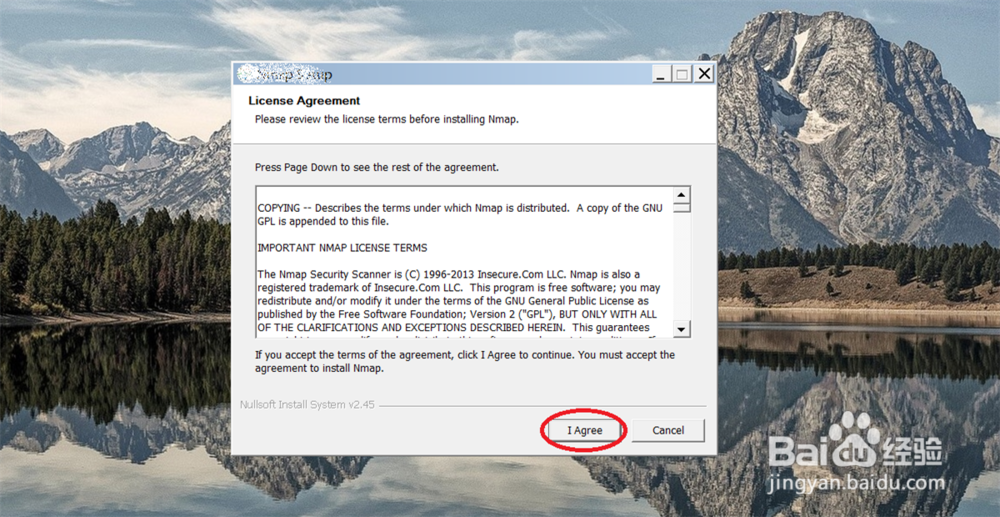
点击: I Agree 点击: Next
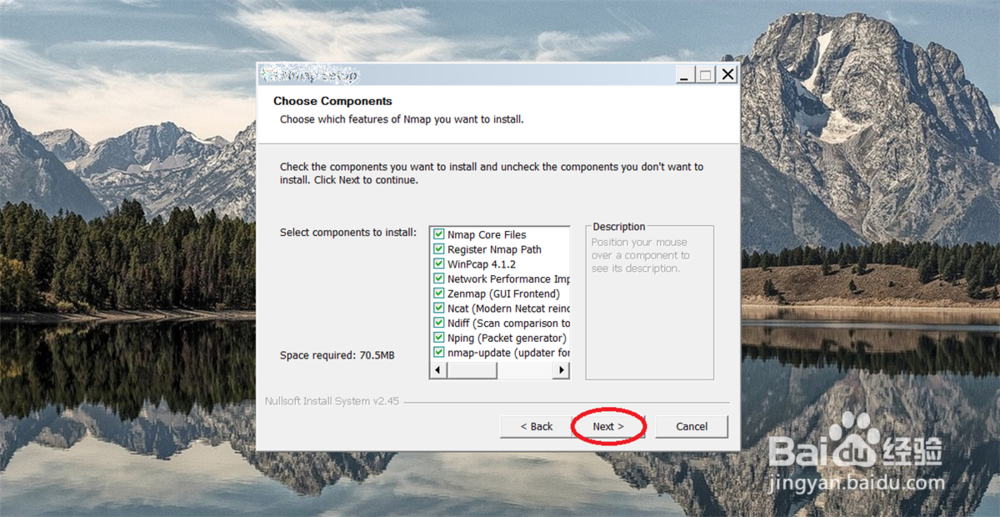
2、点击: Next
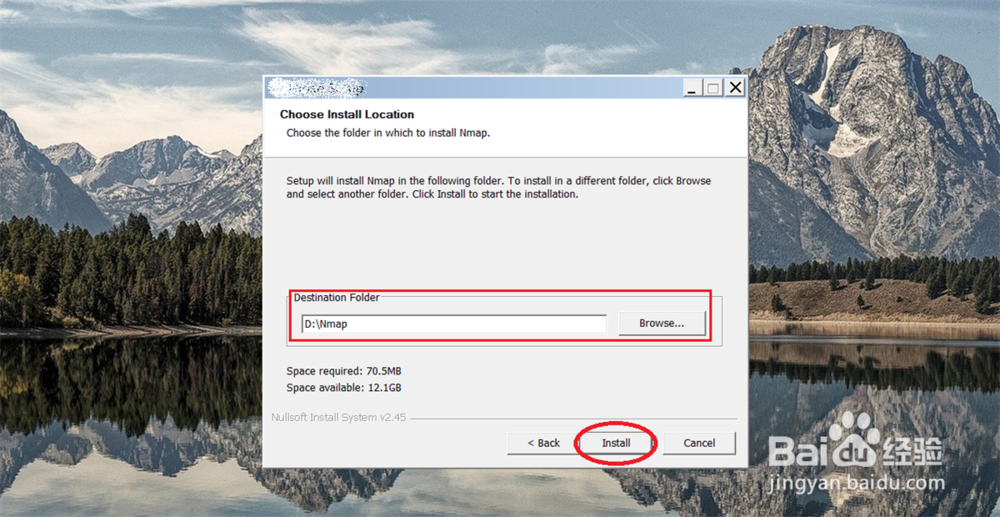
3、选择: 安装目录进行存放, 点击: Install
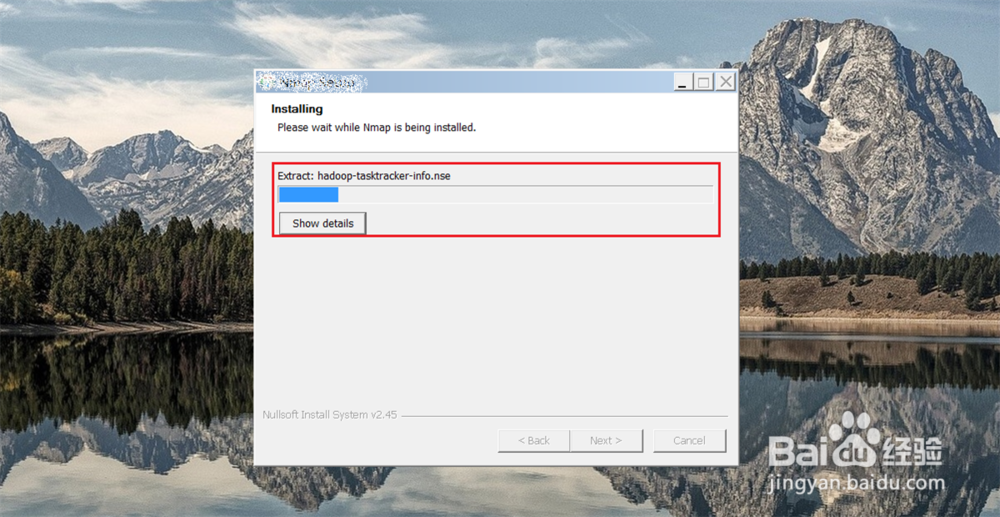
4、下载中-请等待。。。
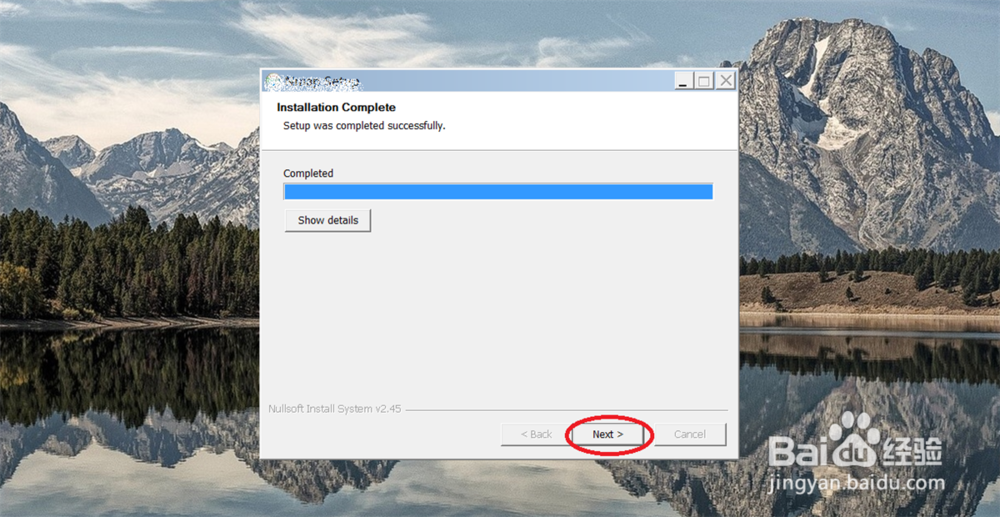
5、点击: Next
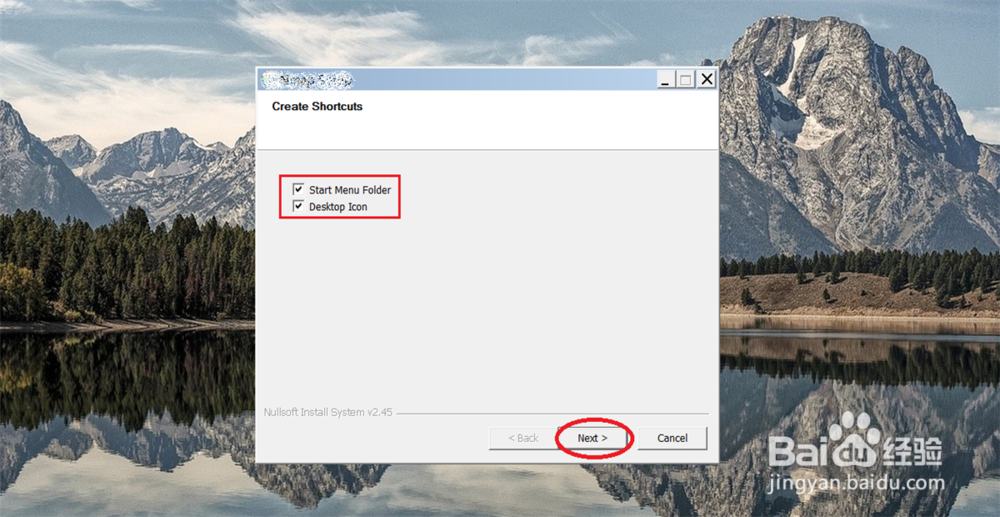
6、在桌面创建快捷方式, 点击: Next
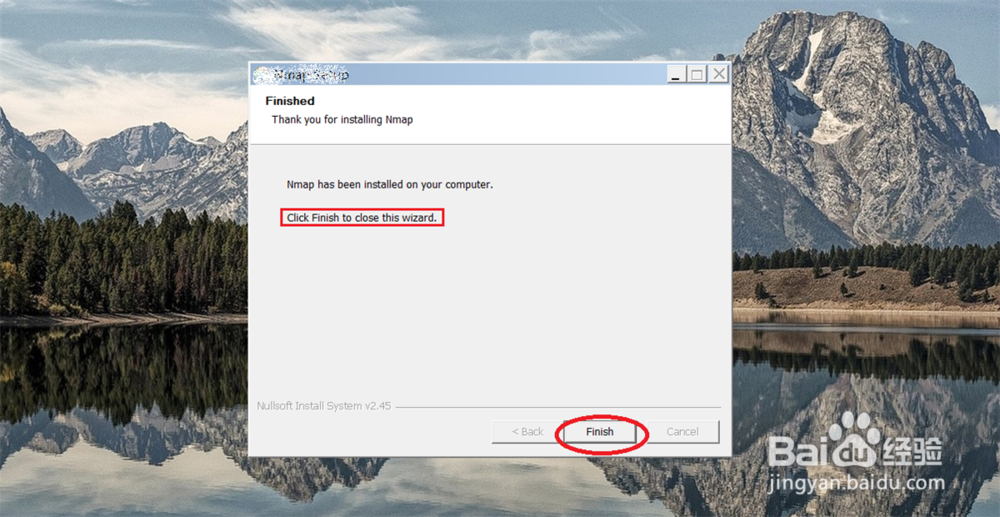
7、点击: Finish
1、下载地址: http://www.xue51.com/soft/2969.html
点击: I Agree 点击: Next
2、点击: Next
3、选择: 安装目录进行存放, 点击: Install
4、下载中-请等待。。。
5、点击: Next
6、在桌面创建快捷方式, 点击: Next
7、点击: Finish