1、打开Polarr Photo Editor然后打开一张图片。
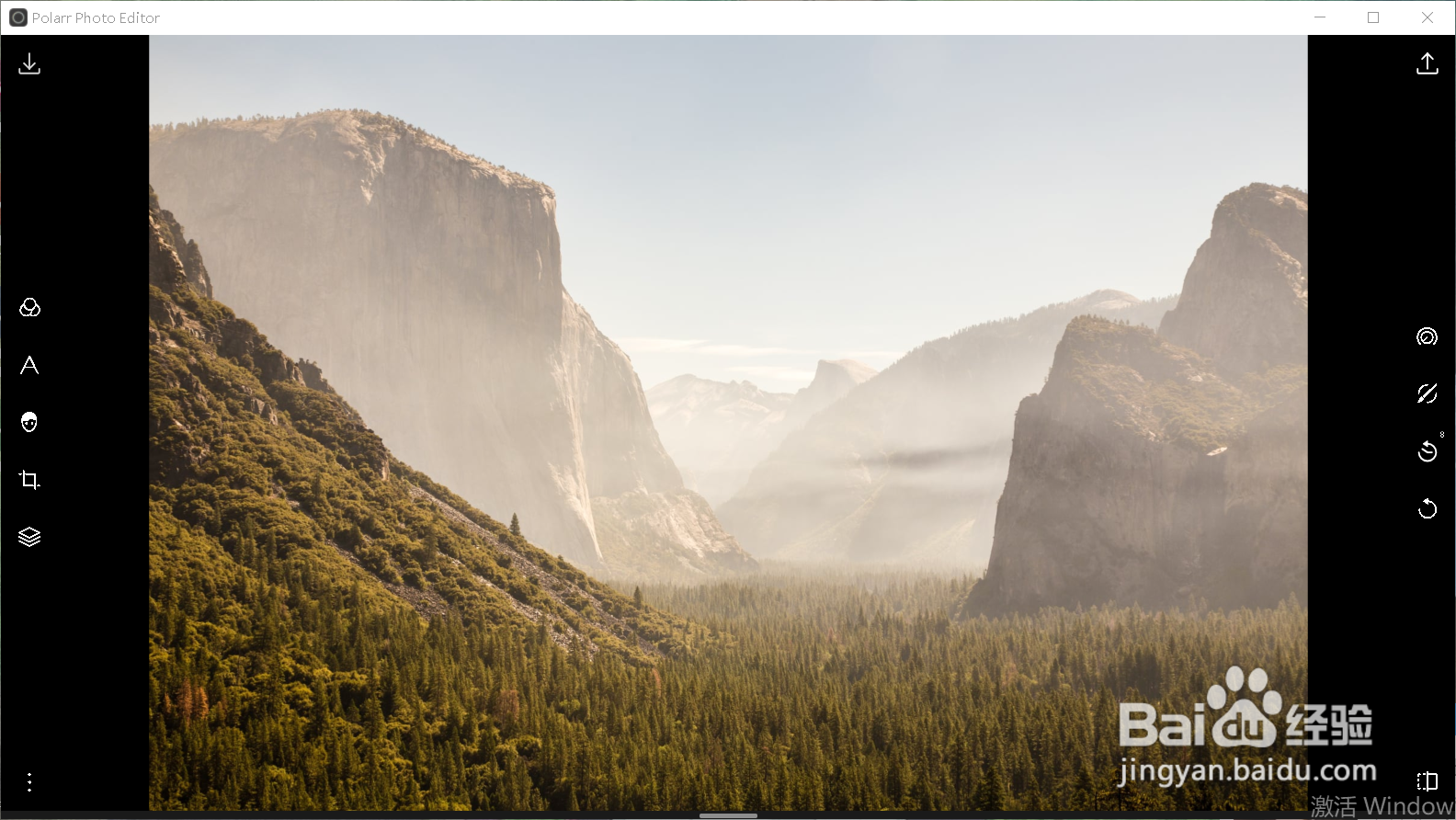
2、点击右侧第1个选项【调整】。

3、向右移动【去雾】滑块约80左右。
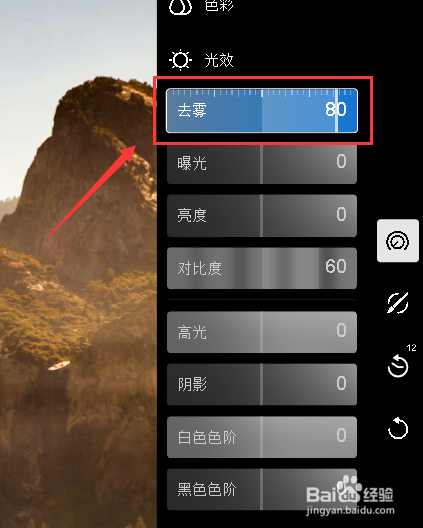
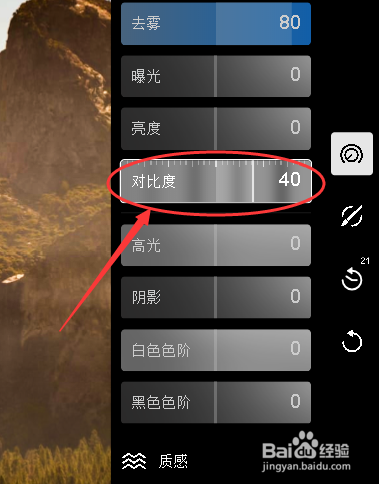
4、向右移动对比度滑块约40左右。
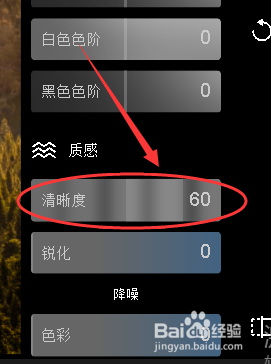
5、向右移动清晰度滑块约60左右。
6、向左移动高光滑块约负的36左右。

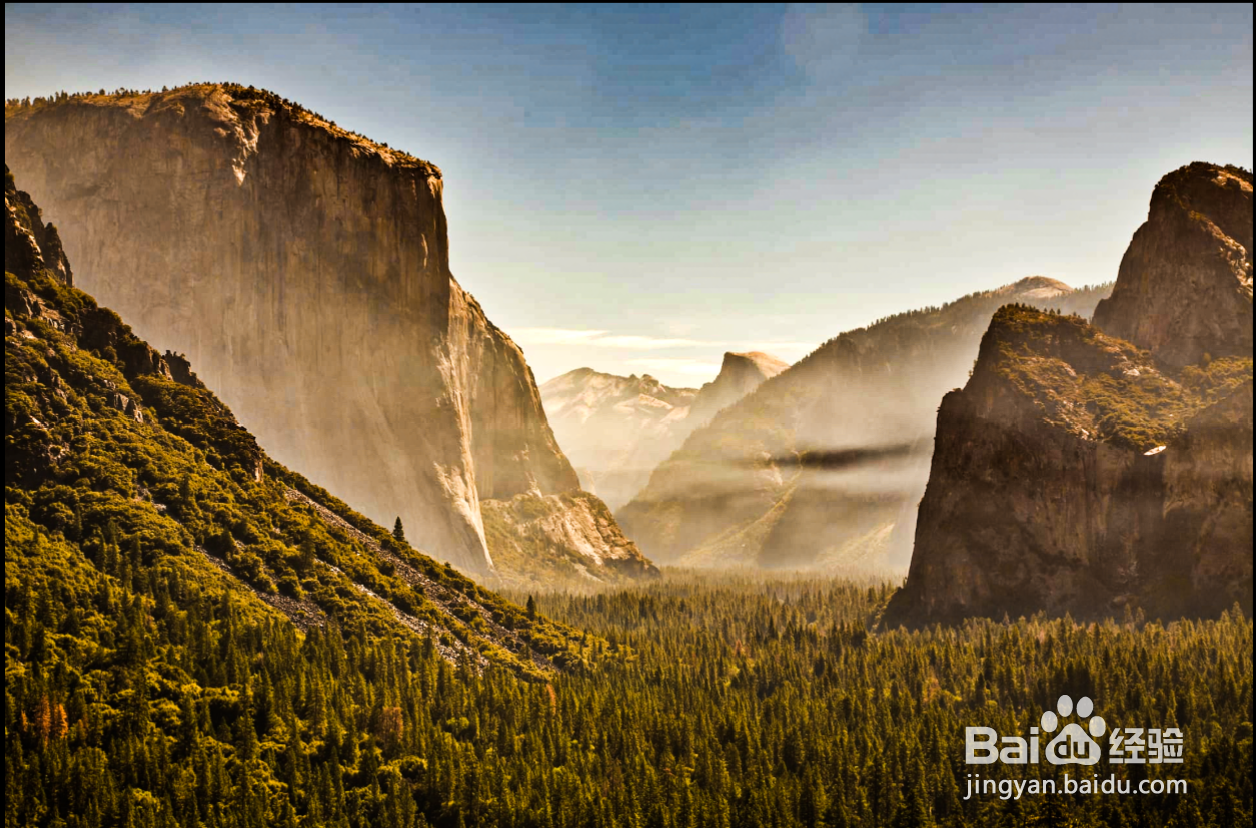
7、如图所示,这就是去雾后的样子。
1、打开Polarr Photo Editor然后打开一张图片。
2、点击右侧第1个选项【调整】。
3、向右移动【去雾】滑块约80左右。
4、向右移动对比度滑块约40左右。
5、向右移动清晰度滑块约60左右。
6、向左移动高光滑块约负的36左右。
7、如图所示,这就是去雾后的样子。