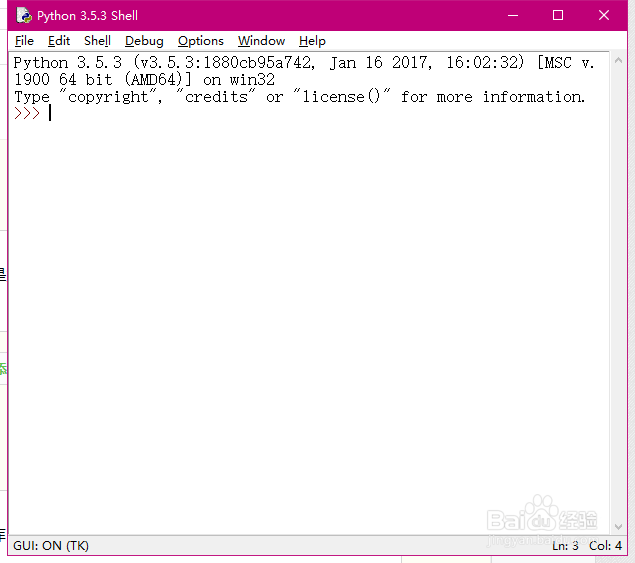
1、打开idle:
界面如下图所示,也就是大家所说的Python shell界面。
2、载入库:
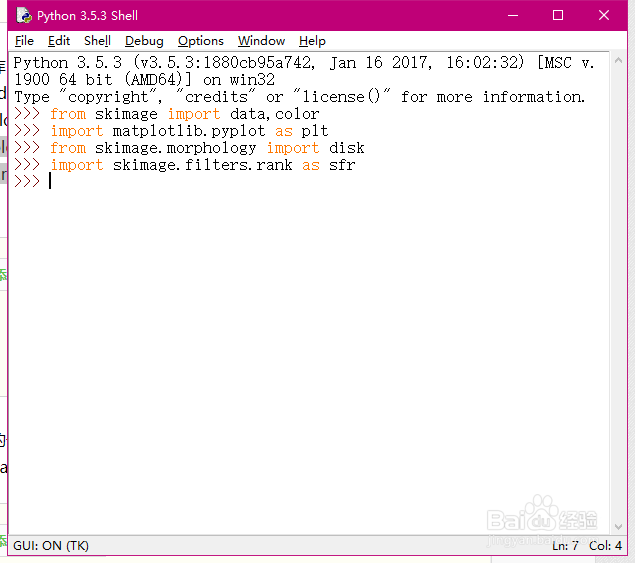
这里主要用到skimage库,具体代码如下,如果报错则说明没有安装相关的库。
from skimage import data,color
import matplotlib.pyplot as plt
from skimage.morphology import disk
import skimage.filters.rank as sfr
3、读取灰度图:
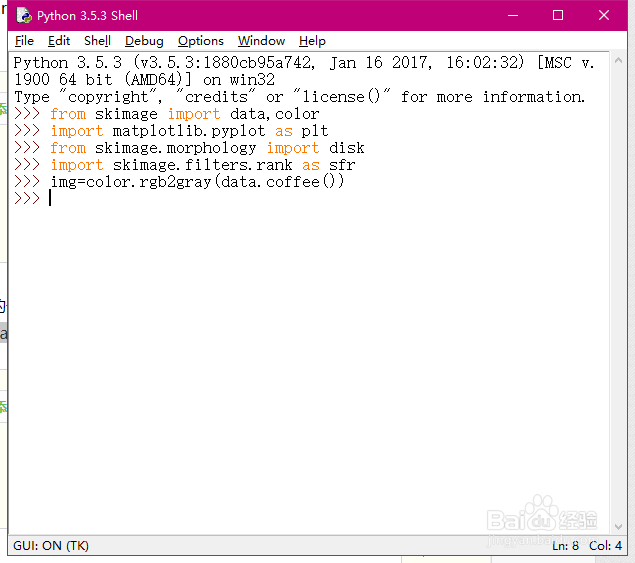
这里读取skimage库内的一张图片,并且将其进行灰度化处理。
img=color.rgb2gray(data.coffee())
4、减均值滤波处理:
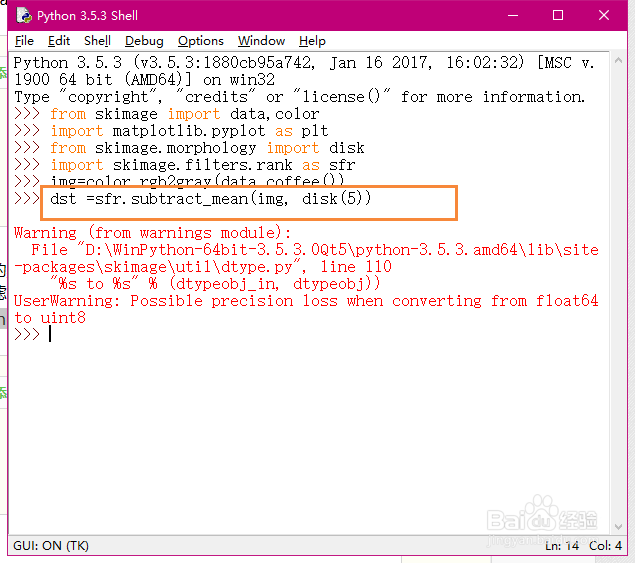
减均值滤波的一种简单的实现方法就是,采用下面的一条指令进行处理,同时也可以采用原图减去均值滤波得到的图像的方法。
dst =sfr.subtract_mean(img, disk(5))
5、显示结果:
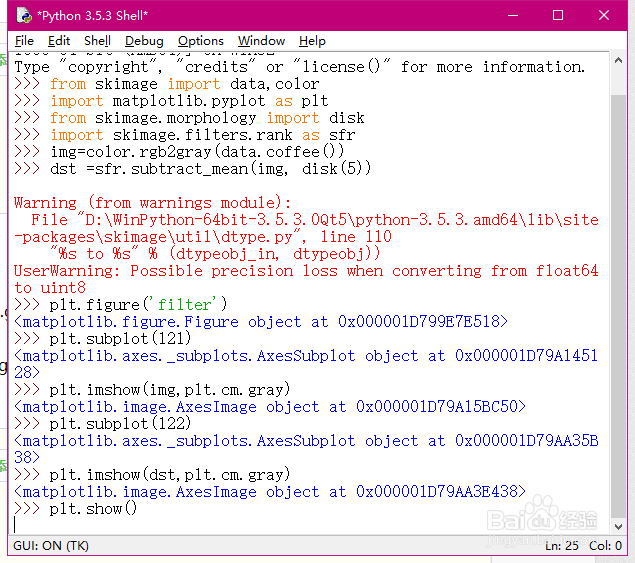
plt.figure('filter')
plt.subplot(121)
plt.imshow(img,plt.cm.gray)
plt.subplot(122)
plt.imshow(dst,plt.cm.gray)
plt.show()
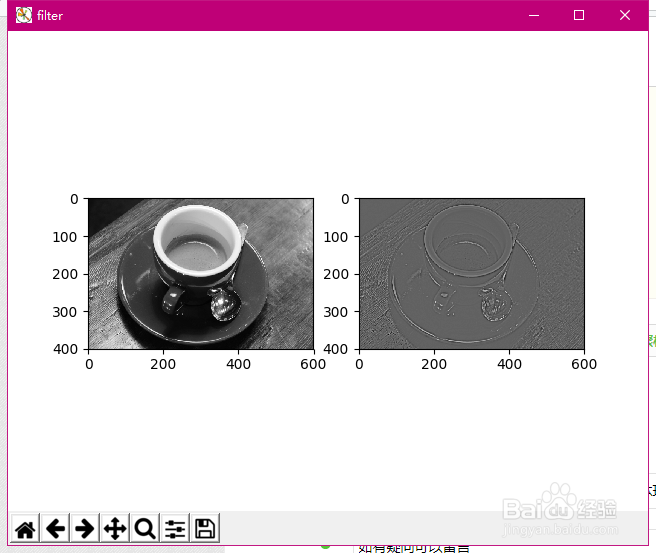
6、结果如下。